Settings
A reference for every configurable option in the editor, what it does, when to change it, and its default.
Open Settings from the Settings () icon in the rail. Changes take effect immediately and are saved automatically.
Storage location: %LOCALAPPDATA%\ExtrabbitCode.iLogicCode\settings.json
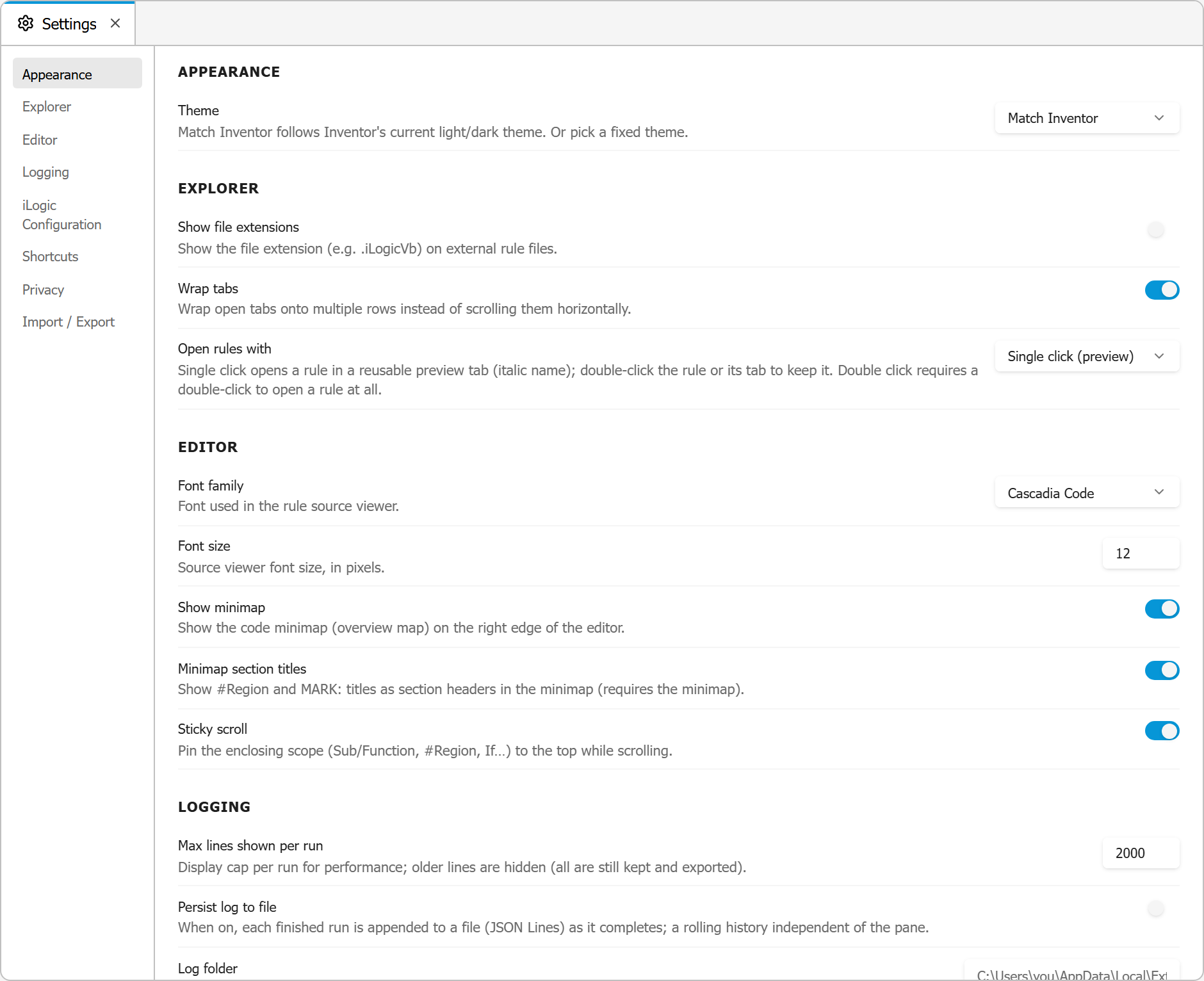
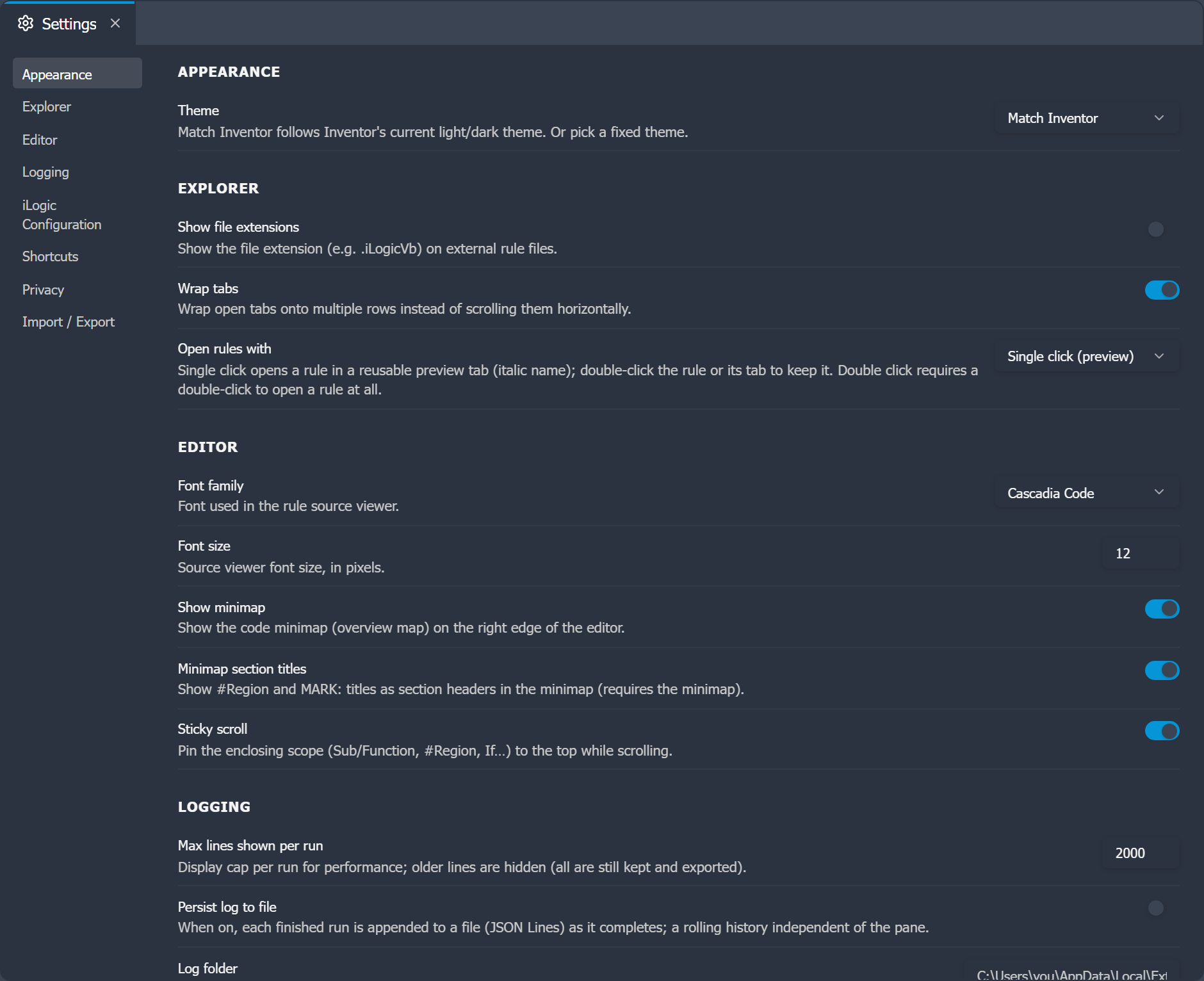
Settings are grouped into categories, listed down the left side of the panel.
Appearance
| Setting | Default | Description |
|---|---|---|
| Theme | Match Inventor | How the editor is themed. Match Inventor follows Autodesk Inventor's current light or dark theme automatically. You can also pick a fixed theme: Inventor Light, Inventor Dark, or Classic Dark (the original dark look). |
The Inventor themes use Autodesk Inventor's own colors so the editor blends in with the rest of the application. With Match Inventor, switching Inventor between light and dark also switches the editor.
Rules
| Setting | Default | Description |
|---|---|---|
| Show file extensions | Off | Show the file extension (e.g. .iLogicVb) on external rule files in the Rules Explorer. |
| Open rules with | Single click (preview) | Whether a single click opens a rule in a reusable preview tab, or a double-click is required to open it. |
Editor
| Setting | Default | Description |
|---|---|---|
| Font family | Cascadia Code | The font used in the code editor, chosen from a list of common coding fonts. |
| Font size | 12 | Editor font size in pixels (8 to 32). |
| Show minimap | On | Show the code minimap on the right edge of the editor. |
| Minimap section titles | On | Show #Region and MARK: titles as section headers in the minimap (requires the minimap). |
| Sticky scroll | On | Pin the enclosing scope (Sub/Function, #Region, If) to the top while scrolling. |
| Wrap tabs | On | Wrap open tabs onto multiple rows instead of scrolling them horizontally. |
Logging
| Setting | Default | Description |
|---|---|---|
| Max lines shown per run | 2000 | Display cap per run in the run log, for performance. All lines are still kept and exported, up to 100,000 per run; the run log holds the latest 200 runs. |
| Persist log to file | Off | Append each finished run to a file (JSON Lines) as it completes, independent of the pane. |
| Log folder | (default app-data folder) | Folder for the persistent log file. Leave blank to use the default. |
| Log file name | ilogic-runs | Base file name for the persistent log. A new file is started each day, named <name>-yyyy-MM-dd.jsonl. |
See Files & Logs for the resolved paths.
iLogic Configuration
These settings map to Inventor's own iLogic options, so changing them here changes them in Inventor too.
| Setting | Description |
|---|---|
| External rule directories | The folders Inventor scans for external rule files. Add, remove, reorder, and activate or deactivate directories. Active directories are synced to Inventor; inactive ones are kept privately for quick re-activation. |
| Default extension for new rules | The extension used when creating a new external rule (e.g. .iLogicVb). |
| iLogic Addin DLLs Directory | The search path iLogic uses to resolve AddReference assemblies. |
| Batch update logging | iLogic's "Batch Update" logging option: defers log window updates during batch operations. |
| Excel engine | What iLogic's GoExcel functions use: Internal (LibXL) or Spreadsheet editor (Excel). |
AI Agents
The top of the section shows what iLogic Code detected: the Claude Code install sessions use (path, version and how it was installed) and its sign-in state, with Install, Sign in or Refresh, and Update, which runs the update for that kind of install in a terminal. When several installs are found, each is listed with its version; Use sets it as the Claude Code path, and Find it automatically clears the path again. With a path set, a warning says when another install is newer. See AI Agent, and AI Agent Privacy for what a session sends to Anthropic. Edit instructions opens your own instructions for every agent session in a tab.
| Setting | Default | Description |
|---|---|---|
| Claude Code path | (found automatically) | Full path to claude.exe. Leave blank to use the newest install found in the native installer's folder, WinGet, npm and PATH. |
| Extra arguments | (none) | Added to every Claude Code start, as typed (for example --model opus). |
| Permission mode | Ask every time | How Claude Code asks before it edits files or runs commands: Ask every time, Accept file edits, Plan only or Auto. Change it in the session with Shift+Tab. |
| Allow the agent to run rules | Ask | Running a rule changes the model. Ask: Claude Code asks you before every run, in every permission mode. Always: the agent runs saved rules without asking, for run-and-fix loops on test models. Never: the run tools refuse and the agent asks you to run the rule. Applies from the next session start. |
| Terminal font size | 12 | Font size of the agent terminal, in pixels. |
| Scrollback lines | 5000 | How many lines each terminal keeps. |
| Start-up animation | On | Play the ExtrabbitCode banner when a new session opens. Any key skips it. |
These settings are machine-specific and not part of Import / Export.
Shortcuts
Remap any editor command. Each command shows its current key combo; set your own or reset it to the default. Assigning a combo that another command already uses shows a warning, because only one command runs per combo. See Keyboard Shortcuts for the full list of defaults.
Privacy
| Setting | Default | Description |
|---|---|---|
| Share anonymous usage data | Off | Send anonymous, opt-in usage telemetry (which features are used, run outcomes, Inventor/add-in version) to help improve the add-in. No personal information, file names, or model contents are collected. You are asked once on first run; change it here at any time. See the Privacy Policy for the full details. |
The section also summarizes what an AI agent session sends to Anthropic, with a link to AI Agent Privacy.
Import / Export
Carry your configuration to another machine. Export writes the selected sections to a JSON file. Import reads such a file and lets you choose which sections to apply.
| Section | Contains |
|---|---|
| Appearance, Rules, Editor, Logging | Every setting listed under the matching heading above. |
| iLogic Configuration | The external rule directories (active and inactive, in order), the default extension for new rules, the iLogic Addin DLLs Directory, the Batch Update logging option, and the Excel engine. Importing it writes these to Inventor's iLogic configuration. |
| Shortcuts | Your keyboard shortcut overrides. Importing adds them to yours; a shortcut in the file replaces your binding for the same command. |
| Snippets | Your favorites and custom snippets. Importing adds them to yours: an imported snippet replaces the one with the same category and name, and your other snippets and favorites stay. |
Some things stay on the machine on purpose: the templates folder (a path that rarely exists elsewhere), the layout of panels and tabs, and the Share anonymous usage data choice, which is a consent each machine gives on its own.