Introduction
A modern, Monaco-based editor for Autodesk Inventor iLogic rules. Write, organize, run, and debug document and external rules from a dockable panel.

ExtrabbitCode iLogic Code is an Autodesk Inventor add-in that replaces the built-in iLogic rule editor with a modern, Monaco-based code editor in a dockable panel. It brings real editing comfort to iLogic: IntelliSense, multi-cursor, a file-style rule explorer, reusable start templates, a structured run log, and full keyboard customization.
It edits the same rules Inventor already runs. Document (internal) rules live in your document; external rules live as files in your configured iLogic directories. Nothing about how iLogic executes changes, you just get a much better place to write and debug.
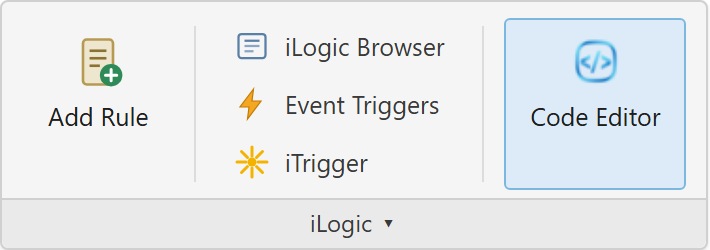
Open the editor from the iLogic panel on the ribbon (Part, Assembly, or Drawing) by clicking the Code Editor button. The panel docks like any other Inventor window.
Features
Code Editor
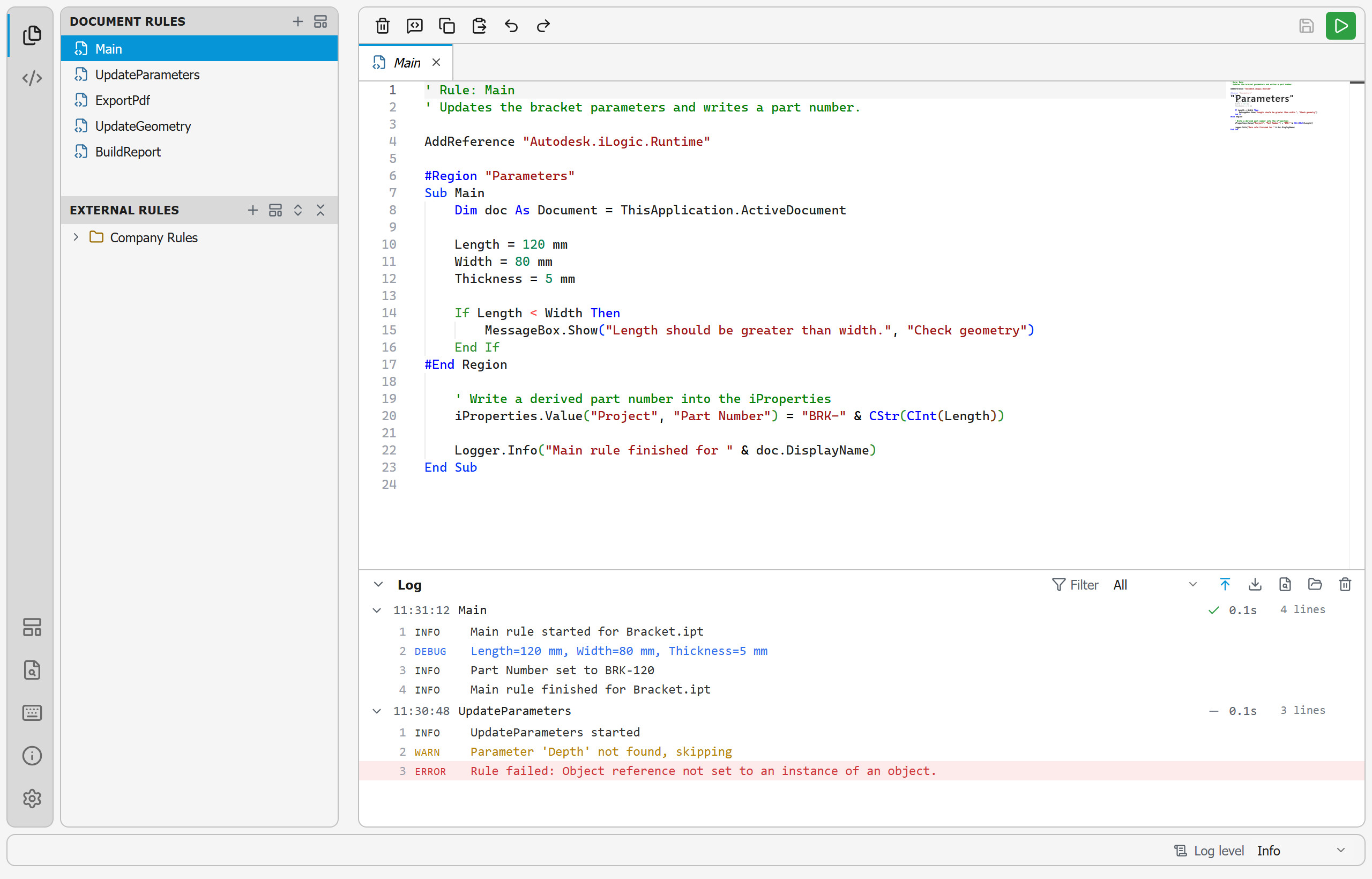
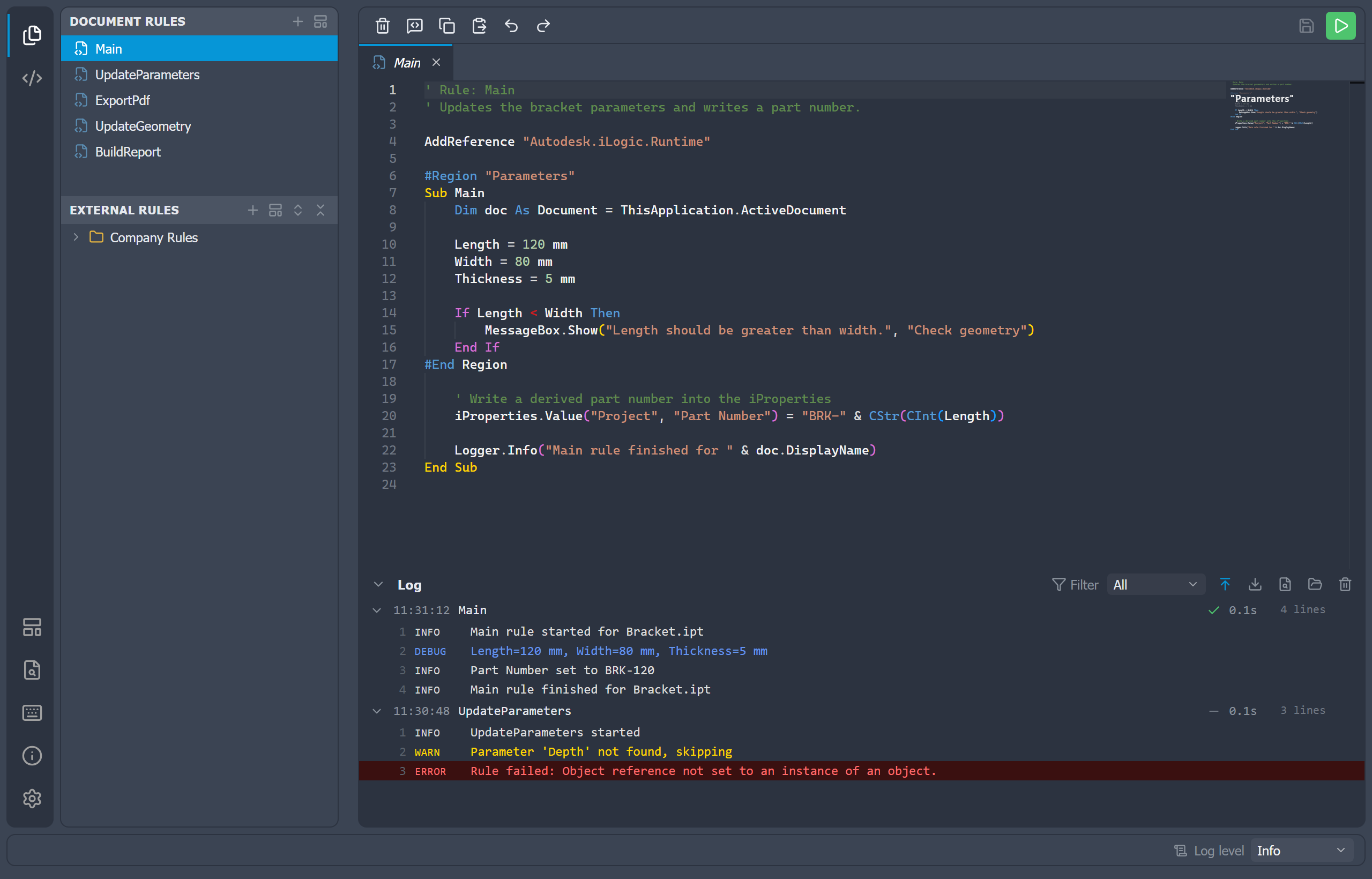
A Monaco-based editor with IntelliSense, multi-cursor, sticky scroll, minimap, and a comment/copy/paste toolbar.
Find in Rules
Search across every document rule and every file in your configured external rule directories.
Diagnostics
Live VB error markers, an Error List with jump-to-line navigation, and per-rule Option Explicit.
Model Browser
Browse the active part or assembly, insert parameters, and capture model state as iLogic code.
Rules Explorer
A file-style sidebar for document (internal) rules and external rule files, with create, rename, duplicate, and delete.
Snippets
A searchable library of reusable code snippets, with favorites and your own custom snippets, dropped in by drag or double-click.
Running Rules
Save and run the active rule through Inventor's iLogic engine with a single click or F5.
Debugger
Pause a rule at a breakpoint, inspect locals and live Inventor objects, watch expressions, and step line by line.
Saving Rules
Rule edits tie into Inventor's own save: dirty-marking, saving on document save, and an unsaved-rules prompt on quit.
Run Log
A structured log pane that captures each run's output, filterable by level, with export and persistence.
Templates
Reusable starter rules with variable substitution, applied when you create a new rule.
Tabs
Pinned and preview tabs, drag-to-reorder, and a context menu for managing open rules.
Split Editor
Split the editor into groups to view and edit rules side by side, with a layout that persists.
Log Reader
Open an exported run-log file to inspect runs captured on another machine or earlier session.
Keyboard Shortcuts
A shortcut cheatsheet and fully remappable commands for files, tabs, rules, and editing.
Settings
Configure the explorer, editor, logging, iLogic directories, shortcuts, and import/export.
Files & Logs
Where the editor stores its settings, templates, and log files on your machine.
Getting Started
Once the add-in is installed, the iLogic panel on the Manage tab shows a new Code Editor button. Open a document and click it to open the dockable editor.
From there you can:
- Browse rules in the sidebar: document rules at the top, external rule files below.
- Open a rule with a single click (preview) or double-click to keep it open.
- Edit with full IntelliSense, multi-cursor, and the editing toolbar.
- Run the rule with Save & Run (F5) and watch the output in the run log.
- Reuse common boilerplate by creating new rules from templates.
- Search every document and external rule with
Ctrl+Shift+F.
Head to Settings to configure the editor font, logging, external rule directories, and keyboard shortcuts.