Keyboard Shortcuts
A shortcut cheatsheet and fully remappable commands for files, tabs, rules, debugging, the view, and editing.
Every editor command has a keyboard shortcut, and you can remap any of them. Open the cheatsheet from the Keyboard shortcuts () icon in the rail to see every command and its current binding.
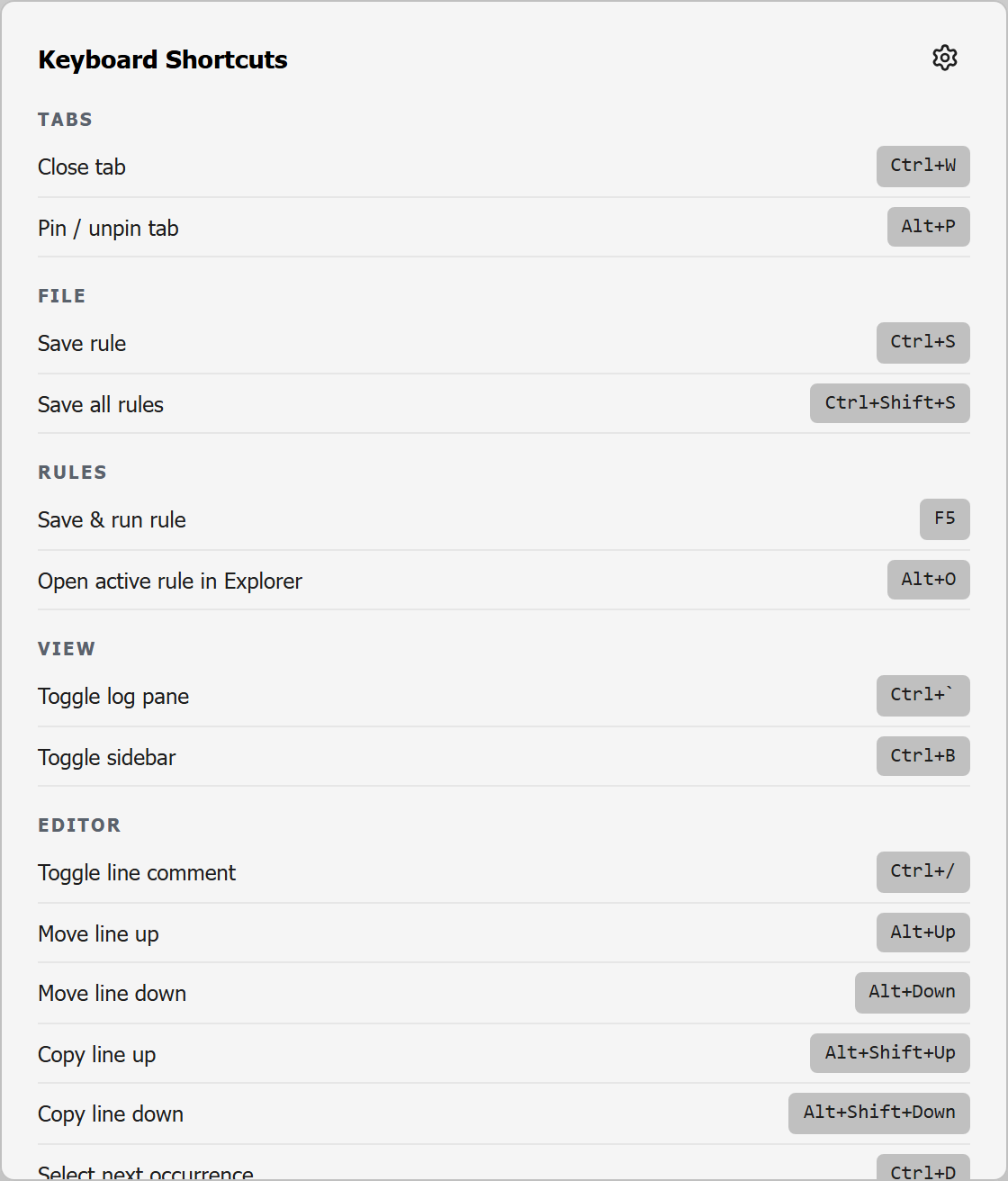
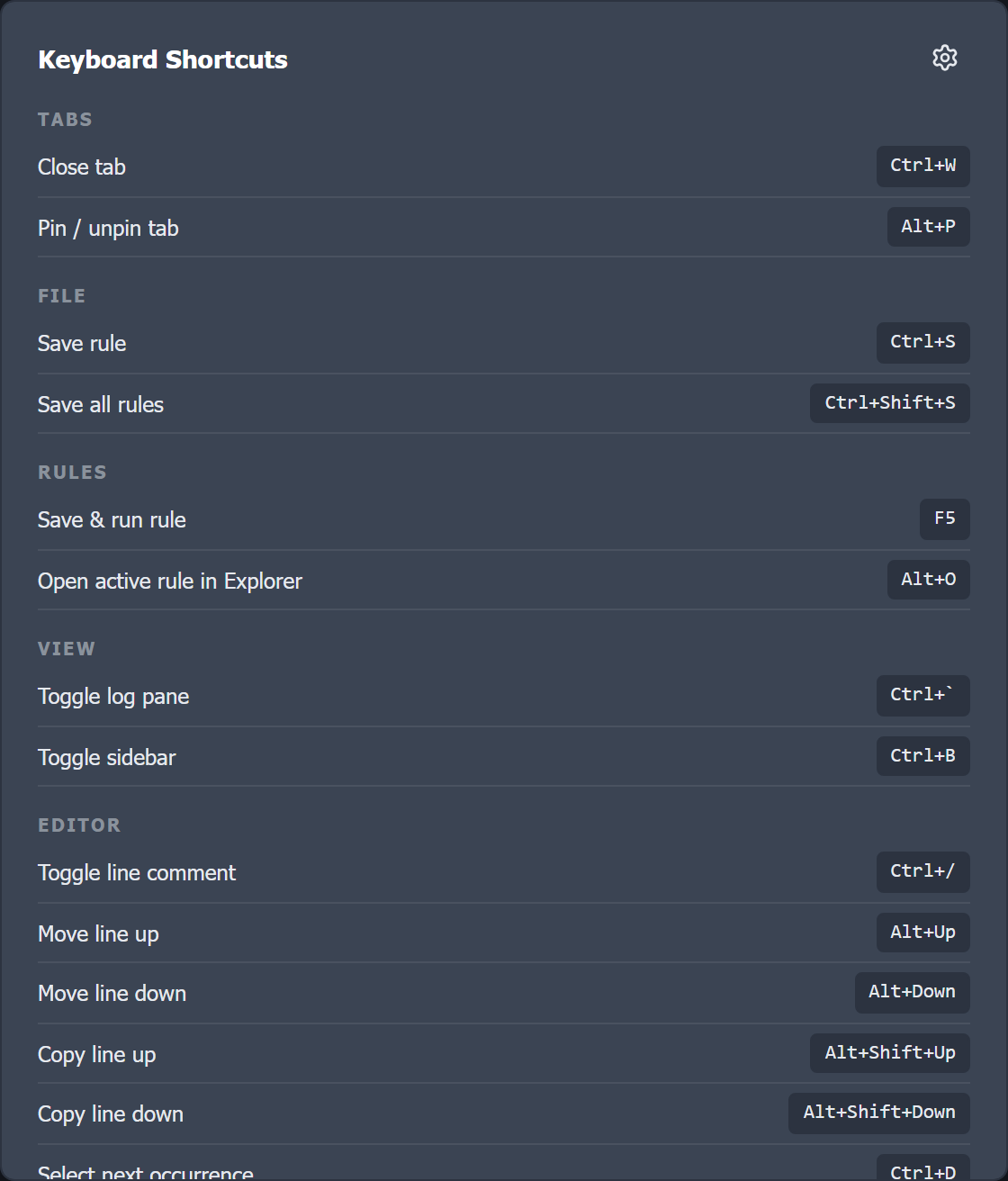
Default shortcuts
| Command | Category | Default |
|---|---|---|
| Close tab | Tabs | Ctrl+W |
| Pin / unpin tab | Tabs | Alt+P |
| Save rule | File | Ctrl+S |
| Save all rules | File | Ctrl+Shift+S |
| Run selected action (Save & Run / Debug) | Rules | F5 |
| Debug: Step over | Debug | F10 |
| Debug: Step into | Debug | F11 |
| Open active rule in Explorer | Rules | Alt+O |
| Toggle log pane | View | Ctrl+` |
| Toggle sidebar | View | Ctrl+B |
| Agent: focus the terminal / return to the editor | Agent | Ctrl+Shift+A |
| Agent: show / hide the side bar | Agent | Ctrl+Alt+B |
| Agent: send selection to agent | Agent | Ctrl+Alt+A |
| Find | Editor | Ctrl+F |
| Find in rules | Editor | Ctrl+Shift+F |
| Toggle line comment | Editor | Ctrl+/ |
| Move line up | Editor | Alt+Up |
| Move line down | Editor | Alt+Down |
| Copy line up | Editor | Alt+Shift+Up |
| Copy line down | Editor | Alt+Shift+Down |
| Delete line | Editor | Ctrl+Shift+K |
| Select next occurrence | Editor | Ctrl+D |
| Select all occurrences | Editor | Ctrl+F2 |
| Remove last selection | Editor | Ctrl+U |
| Fold all (collapse) | Editor | Ctrl+0 |
| Unfold all (expand) | Editor | Ctrl+J |
| Format rule | Editor | Alt+Shift+F |
F5 runs whichever action the run button is set to: Save & Run, or Debug once you switch it (see the debugger). Step over and Step into apply while a debug run is paused.
Shortcuts with punctuation are also found by key position, as in VS Code: on layouts where / needs Shift or backtick is a dead key (Swiss or German, for example), press the key where it sits on a US keyboard. There, Toggle line comment is Ctrl+- and Toggle log pane is Ctrl+§.
Standard editor undo (Ctrl+Z) and redo (Ctrl+Y) are also available and are listed in the cheatsheet for reference.
Remapping
Click through to Settings → Shortcuts (the cheatsheet has a button for it) to change any binding. Each command shows its current combo; set your own or reset it to the default. Your overrides are saved with your settings and can be carried to another machine with import / export.
Each combo runs only one command. If you assign a combo that another command already uses, the editor warns you and names that command: only one of the two will run, so reassign one of them.