Diagnostics and Error List
See live VB errors while editing, inspect all open-rule problems in one list, and jump directly to a failing line.
The editor checks your rule as you type and marks VB.NET errors and warnings with squiggles. Hover a marker to read the full compiler message without running the rule.
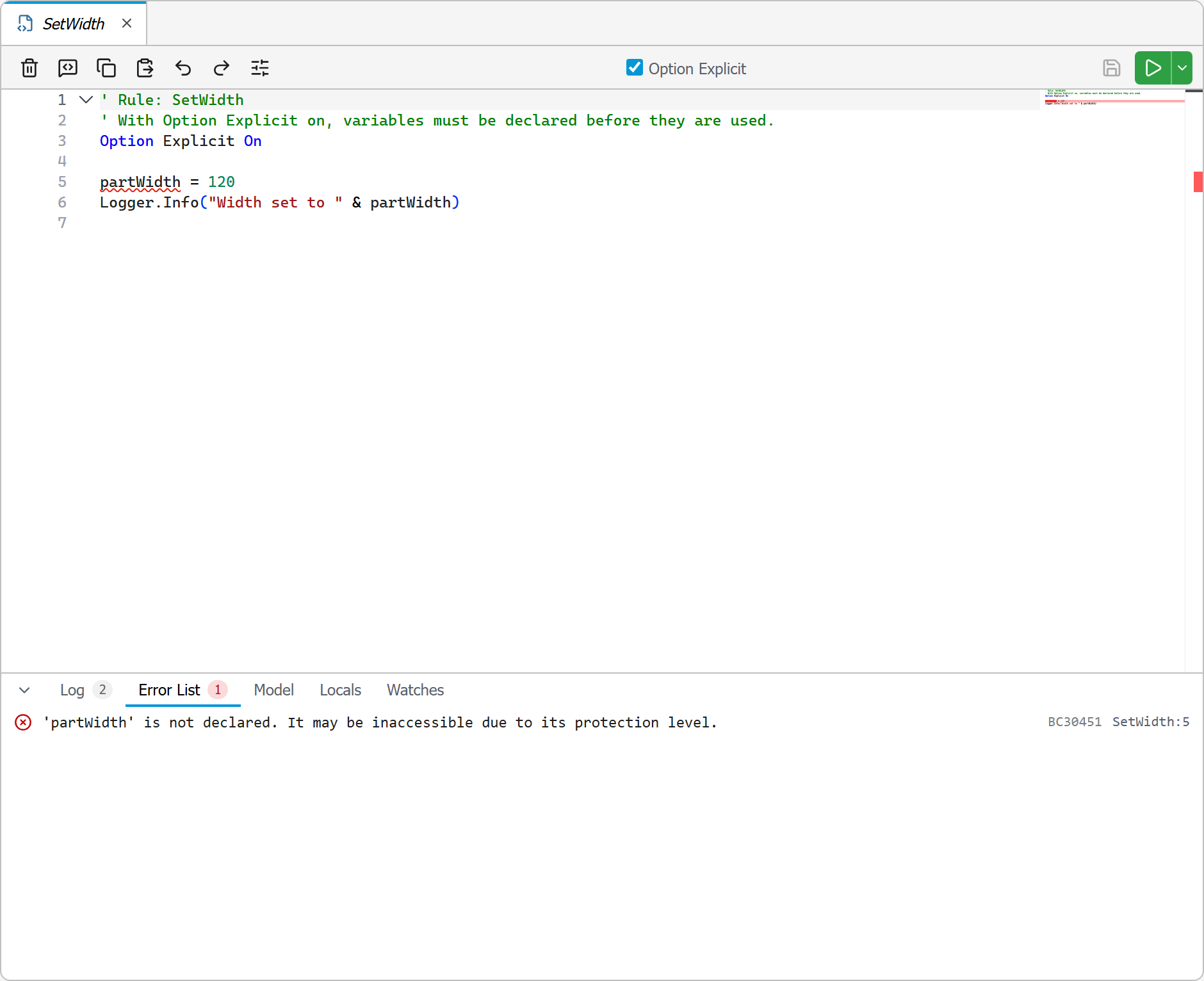
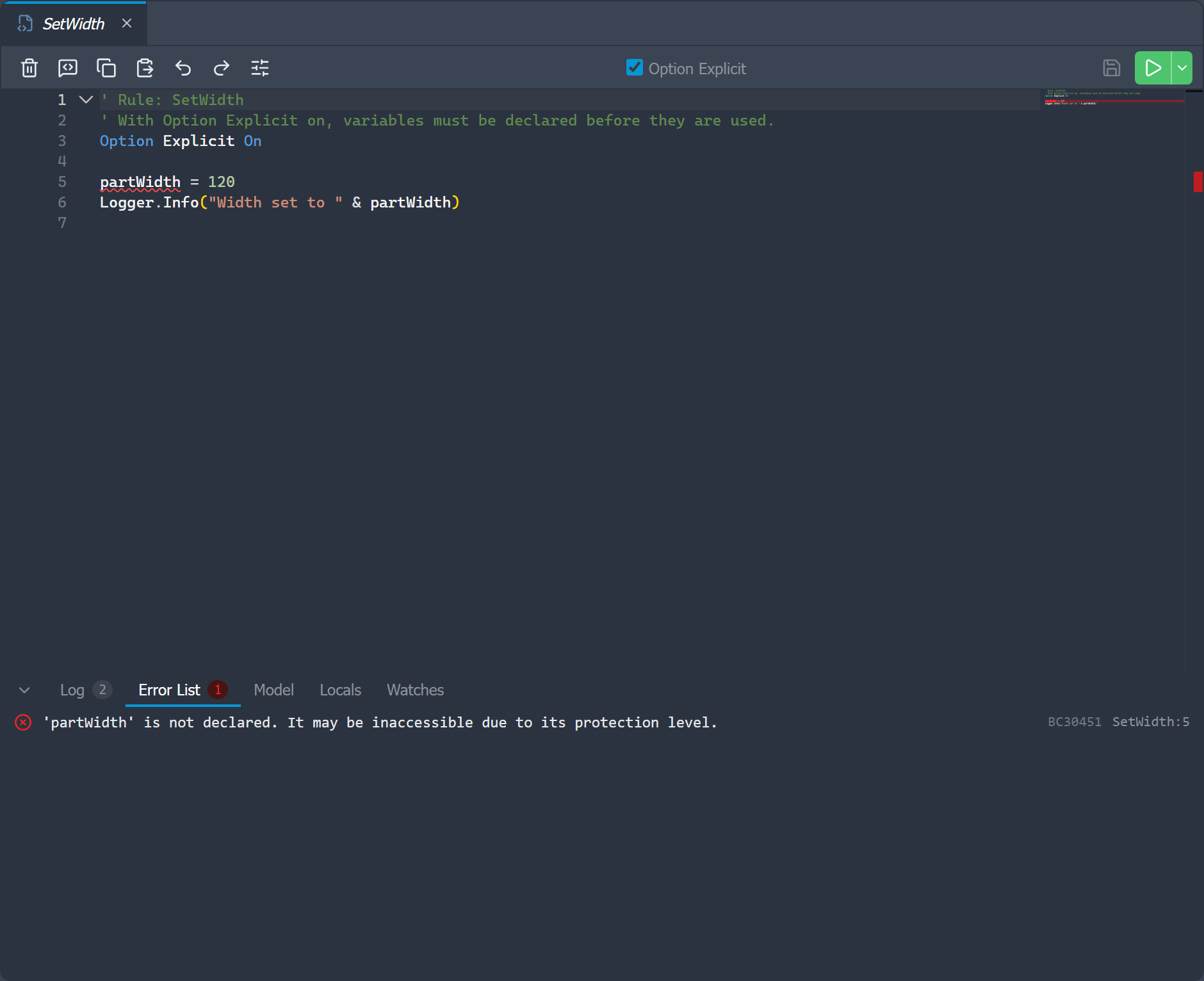
The diagnostics understand iLogic rule conventions, including implicit Sub Main, common Visual Basic helpers such as MsgBox, iLogic unit literals such as 30 mm and 45 deg, and the active document's parameters, so referencing a parameter by name no longer looks like an undeclared variable.
iLogic only wraps a rule in an automatic Sub Main when the rule has no Sub or Function
of its own. If you add a procedure, any loose statements outside it become invalid. Rather than a
wall of raw compiler errors, the editor reports one clear message telling you to move that code
into a Sub Main() … End Sub block.
Error List
Open the Error List tab in the bottom pane to see errors and warnings from every open rule. Each row identifies the rule and location. Click a row to open the rule and jump to the affected line.
Errors reported by Inventor when a rule runs are added to the same list and marked in the editor. This makes it possible to return directly to the failing statement from a run error.
Option Explicit
Use the Option Explicit checkbox in a rule's toolbar to require variables in that rule to be declared. The setting is stored in the rule as a leading Option Explicit On statement, matching iLogic's per-rule behavior.
Diagnostics are guidance while you edit. Inventor's iLogic engine remains the authority when the rule runs.