Log Reader
Open an exported run-log file to inspect runs captured on another machine or in an earlier session.
The Log Reader opens run-log files exported from the run log so you can inspect them later, or read a log a colleague sent you. Open it from the Log Reader () icon in the rail.
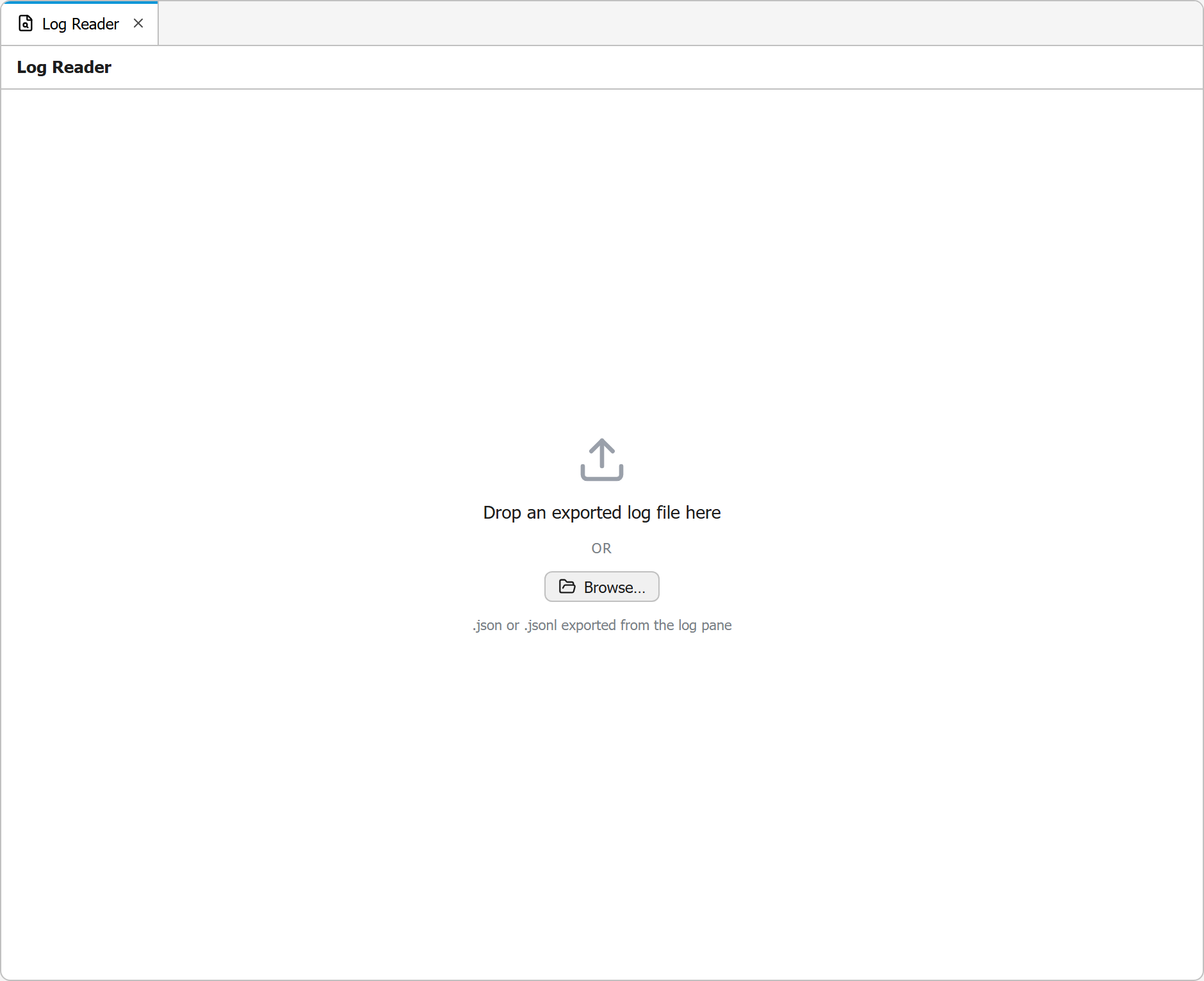
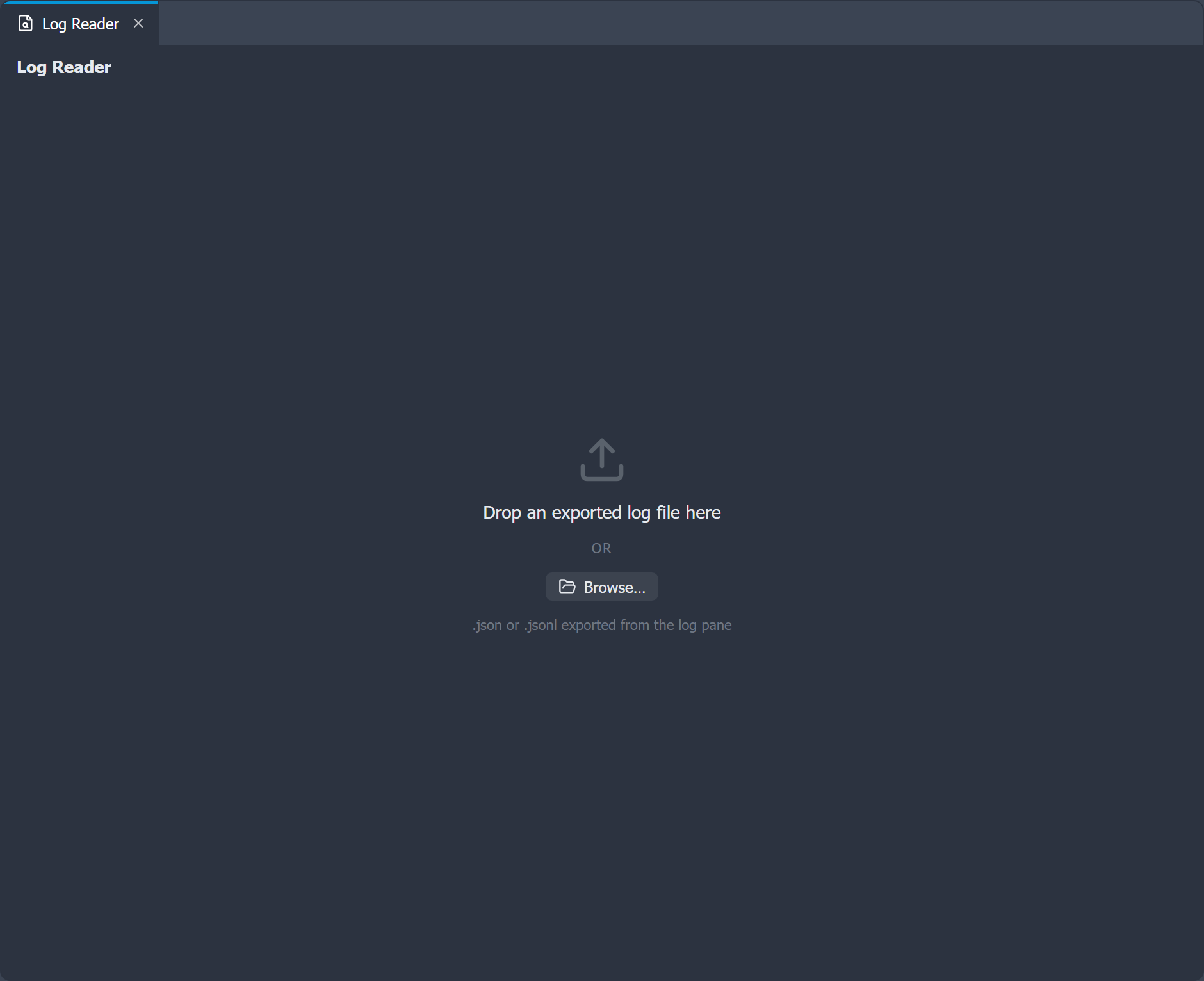
Opening a file
Either drag a .json or .jsonl log file onto the panel, or use Browse to pick one. These are the files produced by Export run or Export all runs in the run log, and the daily files written by persistent logging.
Reading runs
Once loaded, runs are shown exactly as in the live run log: collapsible entries, newest first, each with its rule name, document, outcome, duration, and log lines. The same level filter is available, so you can narrow a large log down to just the errors.
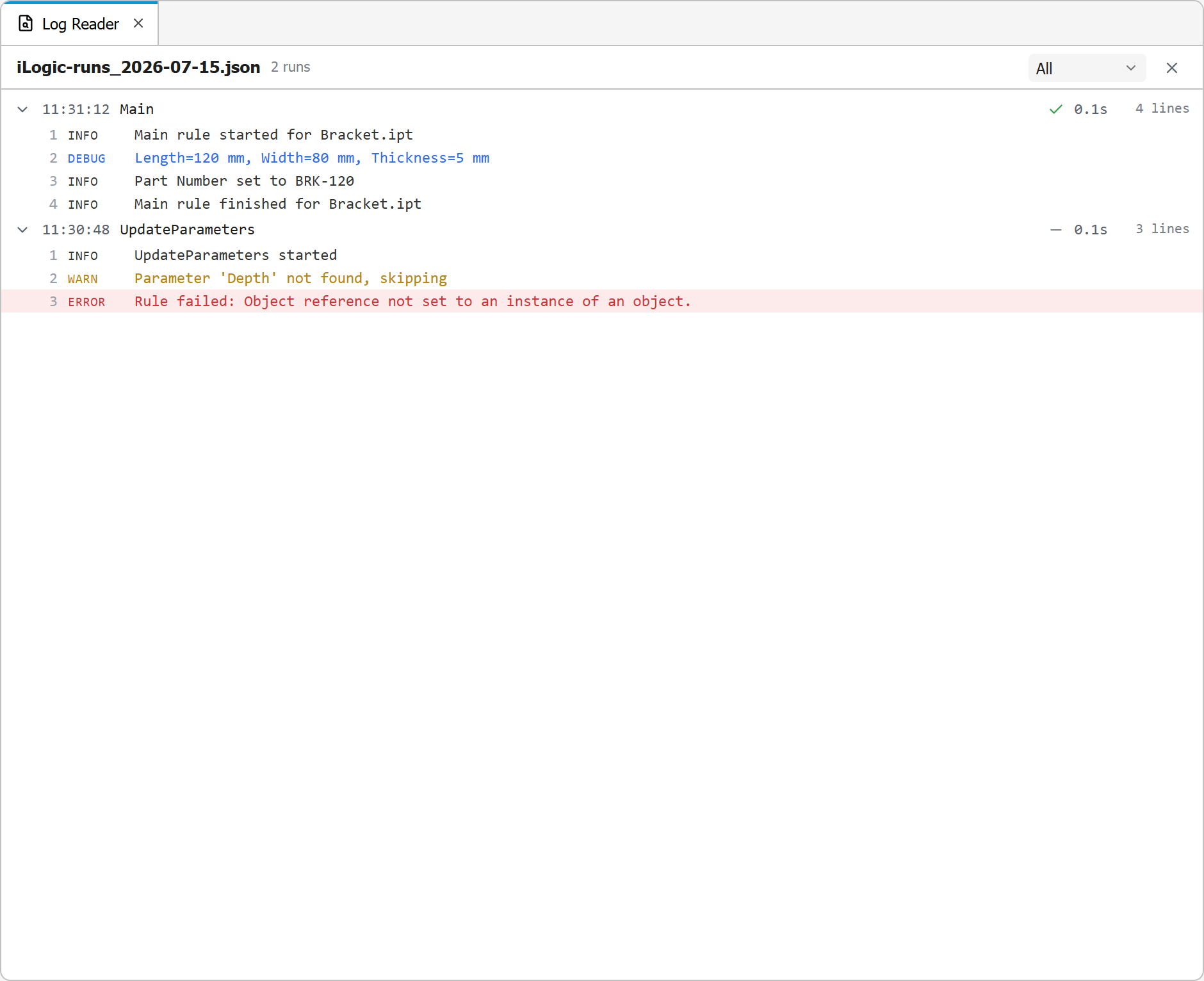
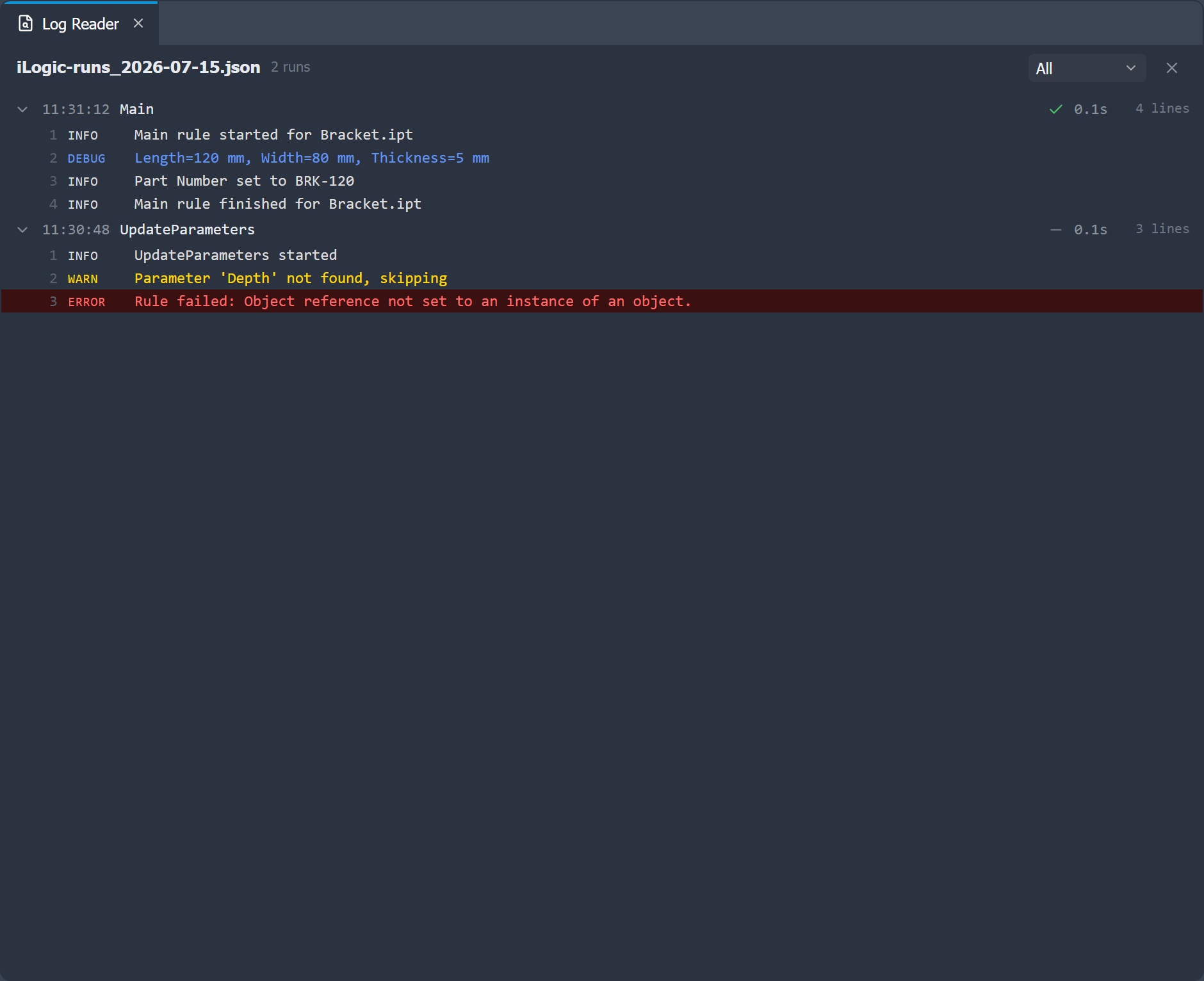
This panel is read-only and independent of the live run log, so opening a file here never changes or clears your current session's runs.
Run Log
A structured log pane that captures each rule run's output, filterable by level, with export to file and optional persistence.
AI Agent
Run Claude Code in a terminal next to your rules, with your own Claude subscription. The agent edits rules as files, you review every change before it reaches the document.